






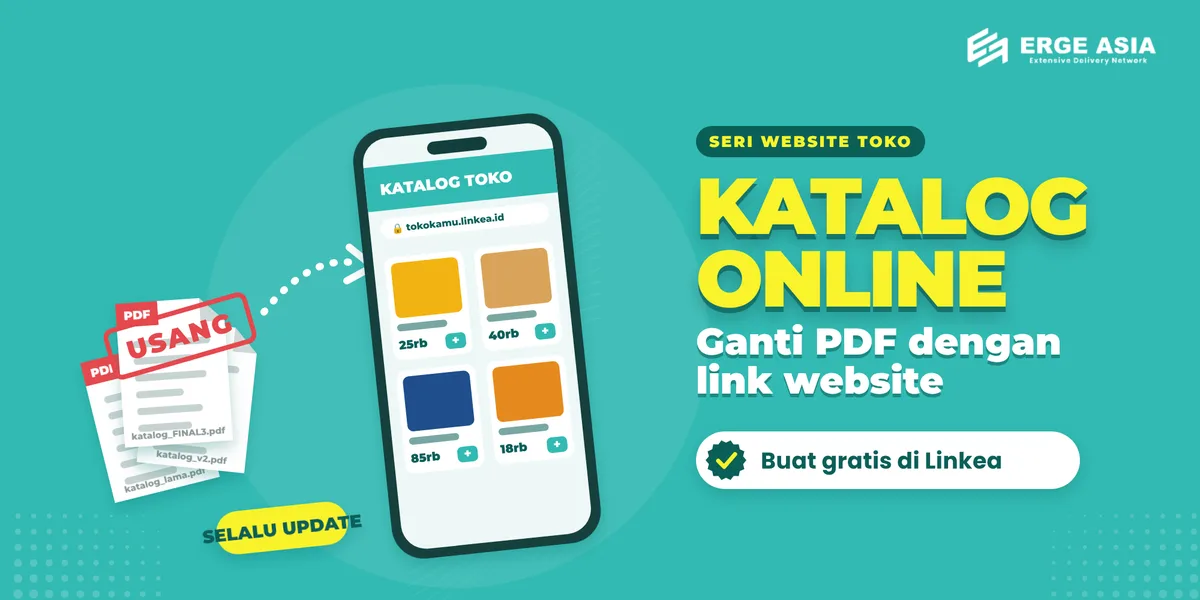
Many small businesses still send catalogues as PDF files or piles of photos over WhatsApp. The problem is that as soon as prices or stock change, the file is out of date, and buyers have to ask again. An online catalogue in the form of a website link solves this: one link that's always up to date, opens on a phone, and lets buyers order right from it.
PDF Catalogue vs Website Link Catalogue
| Item | PDF / photo catalogue | Website link catalogue |
|---|---|---|
| When prices change | You have to make and resend the file | Update once and everyone sees the latest price |
| Out of stock | Buyers don't know until they ask | Stock is visible right on the product page |
| File size | Heavy, fills up buyers' phone storage | Nothing to download |
| How to order | Buyers retype their order in chat | Buyers choose products and order on their own |
| Sharing one product | You have to crop images from the file | Just share that product's link |
Who Benefits from an Online Catalogue?
Resellers & Dropshippers
Resellers just share your catalogue link with their customers, without saving and resending dozens of photos.
Wholesale Buyers
Buyers can see all variants and stock before contacting you.
Personal Shopper Customers
Customers in other cities or abroad can choose items any time without waiting for a chat reply.
Prospective Partners & Buyers
A neat catalogue link makes your business look more professional when meeting new partners.
Turn Your PDF Catalogue into a Website with Linkea
Linkea, the website builder from Erge Asia, is free for all active members. Your catalogue can be online in minutes.
Create a Website
Go to linkea.co.id, enter your business name, then choose one of 5 templates.
Set Up Categories
Follow the page order of your PDF catalogue, for example by product type or collection.
Add Products
Enter photos, names, prices, stock, and size or colour variants. Use strikethrough prices for promos.
Publish
Your website goes live right away with a free address like tokokamu.linkea.id.
Share the Link
Use the share button to copy the link or send it to WhatsApp, Facebook, and Telegram.
Online Catalogue Tips That Build Buyer Confidence
- Photos on a plain backgroundUse bright light and the same background for every product so the catalogue looks consistent.
- Clear product namesWrite "Chocolate Banana Chips 250 g", not just "Product A".
- Enter product weight correctlyWeight is used to calculate shipping automatically when buyers check out.
- Update stock regularlyProducts listed as available but actually sold out disappoint buyers.